 LumenClip Docs
Published posts
Slideshow template workspace for inspecting and linking published TikTok photo posts.
Route: /app?view=templates&template=<id>
Layout
Owner: components/realfarm/automation-settings/tiktok-publication-import-panel.tsx.
Published Posts is not a Home section or an independently addressable page. It is a navigation panel inside an opened slideshow template. The route above opens the template workspace at Overview; the user then selects Published Posts. Video, AI UGC, X, and Threads templates do not expose this panel.
The shipped panel is titled Published TikTok posts. It begins with a multiline field for TikTok photo-post URLs and an Inspect posts action. While TikTok is being inspected, the panel shows progress or a terminal error. Inspection results appear as cards. Each card shows the first photo when available, hook text, caption, photo count, publication date and time, and a link to the public TikTok post. A card already attributed to a local output carries a Linked badge. An unlinked card instead provides candidate local slideshow matches with confidence values and a recovery choice that reconstructs a historical slideshow from the TikTok images and visible text.
Desktop keeps the template section navigation in a left rail and lays out each result card with its preview beside its details. Mobile uses a sticky bar whose section control opens the template navigation in a bottom sheet; the result card content stacks at narrow widths.
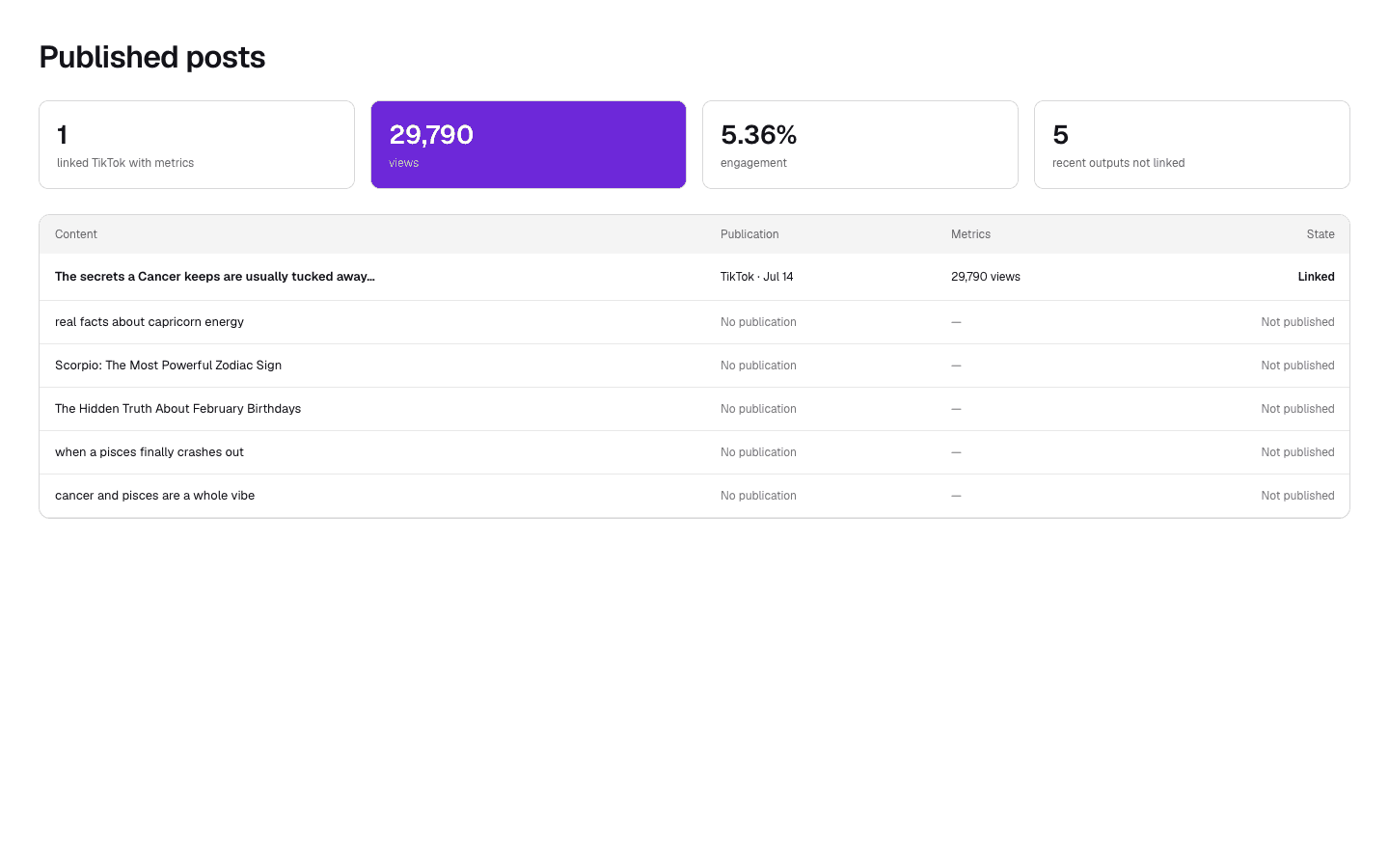
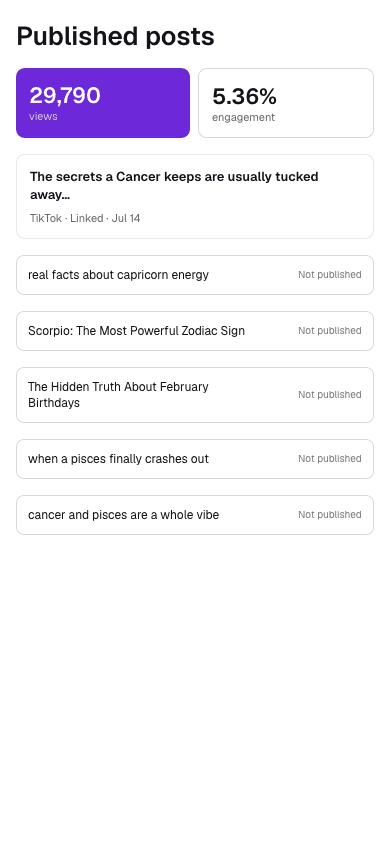
The Paper exports above show a proposed standalone summary with aggregate
views, engagement, and table rows labeled Linked or Not published. That summary
is not mounted by the current application. The shared
PublicationStatusControl does label generated video cards elsewhere as
Published, Scheduled, or Not published, but it is not used by this panel. The
26-week posting activity graph appears on Home, not in Published Posts.
Interactions
Inspect posts starts a read-only import and polls until TikTok photo slides and visible text are available for matching. For every unlinked result, the user can accept a candidate run or choose recovery. The account selector chooses a connected TikTok publishing account. Link published posts records the selected attributions, refreshes the template's run history, and changes successfully attributed cards to Linked. The action is unavailable when there is no connected TikTok account or no pending result.
Opening the public-post link leaves LumenClip in a new browser tab. Switching to Published Posts through the template navigation is UI-only and does not change the route.
MCP coverage
Yes. lumenclip_tiktok_import_start starts inspection,
lumenclip_tiktok_import_preview returns candidate matches,
lumenclip_accounts_list lists connected publishing accounts, and
lumenclip_tiktok_publications_link records confirmed attributions and can
recover a missing historical output. Selecting the panel itself is UI
navigation.