 LumenClip Docs
Public pages
Logged-out marketing, Clerk account access, and invitation routes.
Route: /
Related logged-out routes: /product, /solutions, /pricing, /careers, /privacy, /terms, /login, /sign-up, and /team-invite
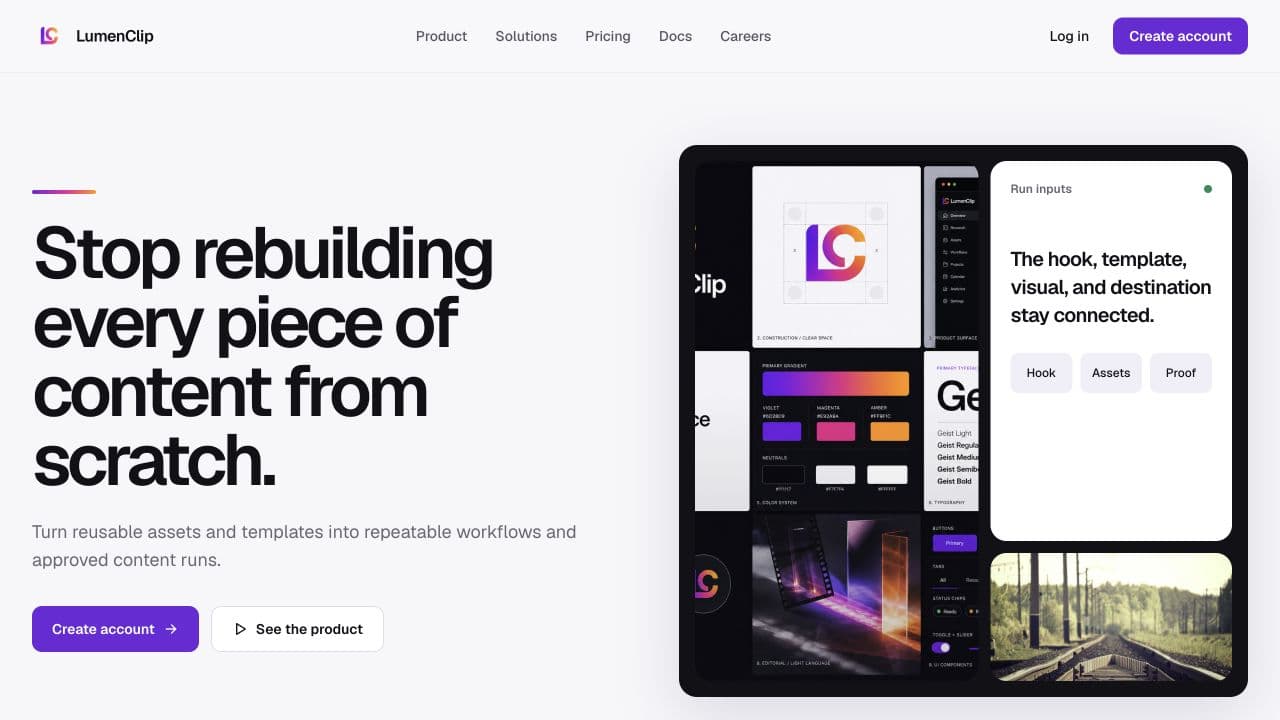
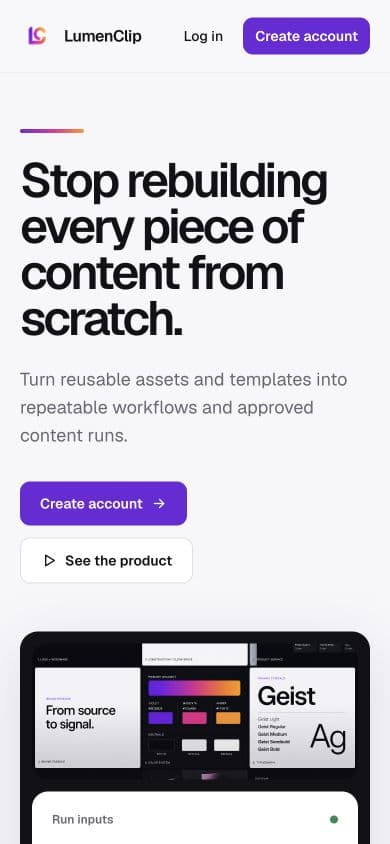
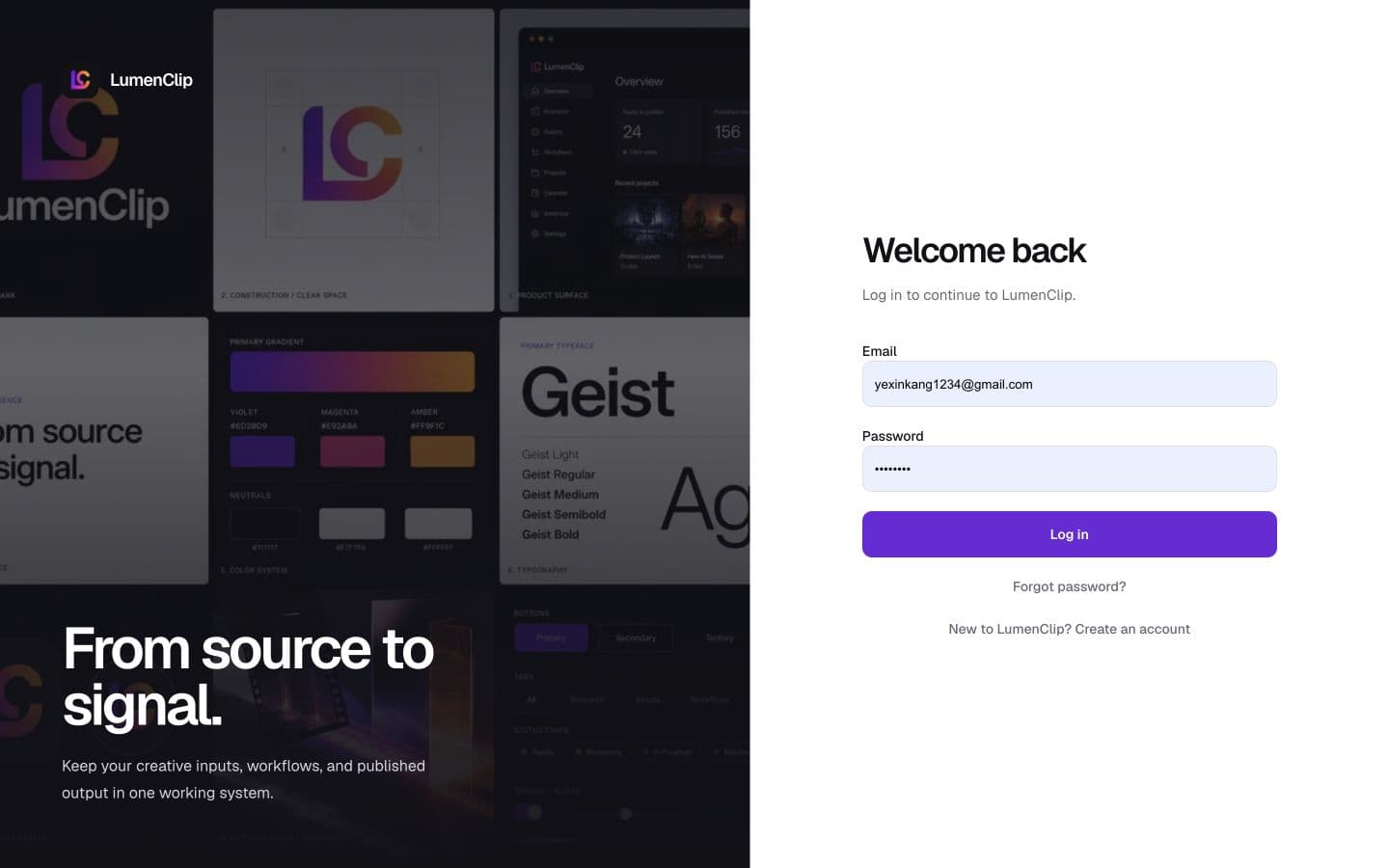
Layout
On desktop, the marketing routes share a sticky LumenClip header with Product, Solutions, Pricing, Docs, and Careers links plus Log in and Create account actions. The landing page begins with a two-column hero and product collage, then continues through workflow proof, the problem and process narrative, workspace capabilities, audience use cases, trust and privacy, pricing, questions, a closing call to action, and the shared footer. Product, Solutions, Pricing, and Careers reuse the same shell for their focused content; Privacy and Terms use narrower reading columns.
The desktop login and sign-up routes divide the viewport between a branded image panel and Clerk's account component. Clerk presents verification, recovery, and required session tasks within those routes. Team invitations use a centered branded card.
| Route | Visible purpose |
|---|---|
/ | Marketing overview and primary conversion actions |
/product | Product workflow and capability overview |
/solutions | Team and creator use cases |
/pricing | Beta and team plan presentation with questions |
/careers | Working principles and current role availability |
/privacy | Private-beta account and workspace data summary |
/terms | Private-beta product-use expectations |
/login | Clerk sign-in, recovery, and session tasks |
/sign-up | Clerk account creation and verification |
/team-invite | Authentication and invitation acceptance states |
On mobile, marketing content becomes a single vertical flow and multi-column cards stack. The current header keeps the brand and a menu action; opening it displays a full-screen navigation menu with the five public destinations followed by Create account and Log in. The menu locks background scrolling, closes on Escape or its close action, and closes when a destination is selected. Login hides the desktop image panel and places the brand link and form in one centered column. No mobile login screenshot exists.
Interactions
Marketing navigation and calls to action move among public routes or open Clerk
sign-in/sign-up controls. Dedicated /login and /sign-up pages preserve safe
same-origin next destinations. Clerk owns recovery and verification. An
unauthenticated team invitation preserves its query parameters through login or
registration, while an authenticated visitor with a complete invitation link
enters automatic acceptance and can then open the workspace.
MCP coverage
No. Marketing navigation and Clerk authentication are browser and session flows
with no tools in lib/mcp/.