 LumenClip Docs
Application shell
Authenticated workspace chrome and responsive content framing for CFarm.
Route: /app?view=home
Layout
Owner: components/realfarm/routes/workspace-route.tsx loads the authenticated
workspace, and components/realfarm-workspace.tsx owns the chrome and active
surface.
WorkspaceRoute redirects a signed-out visitor to /login, then loads the
initial workspace data, template records, connected compose accounts, and
published-post dates before rendering the client workspace. The root layout
supplies the application theme, the Fumadocs provider used by documentation,
and one global top-right toaster.
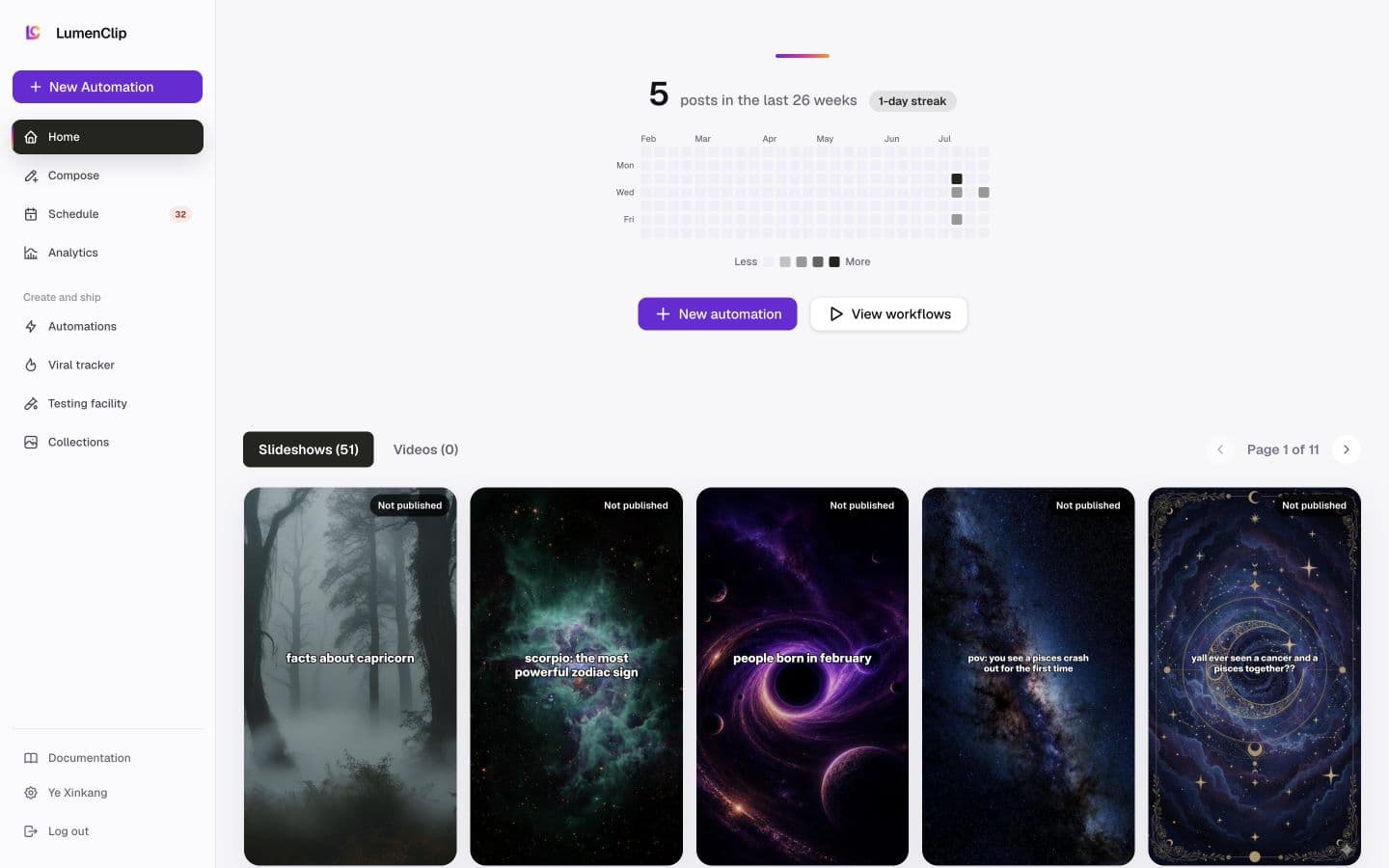
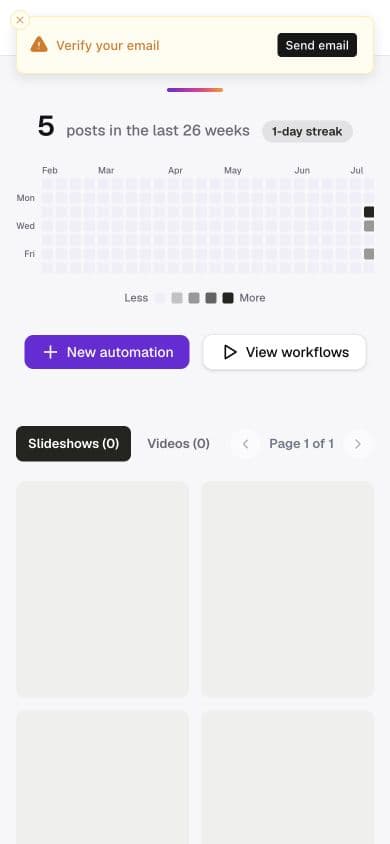
The workspace fills the viewport and prevents the document itself from scrolling. On desktop, a persistent 224px sidebar sits beside a content region that scrolls vertically. On mobile, the sidebar is hidden, a fixed 56px branded header occupies the top edge, and the content region adds enough top padding to clear it. A template editor can use the full content region without the standard page padding.
The active destination is initialized from the view query parameter. Home,
Compose, Schedule, Analytics, Collections, and Templates render inside the
same shell. A template or run deep link adds template=<id> or run=<id>
to the Templates workspace address.
Interactions
Choosing a destination updates the active client surface while preserving an addressable workspace location. Browser back and forward events restore the destination and any selected collection represented by the current URL.
New template opens the template browser over the current workspace, and the
account row opens workspace settings without changing the selected destination.
The Clerk <UserButton> opens account management and performs sign-out; Clerk
also owns verification and any required session tasks.
MCP coverage
No. Session redirects, workspace navigation, settings-overlay visibility, and sign-out have no matching registered tools. Opening a destination or overlay is UI navigation and is not expected to have an MCP tool.