 LumenClip Docs
Navigation
Desktop and mobile access to the six CFarm workspace destinations.
Route: /app?view=<destination>
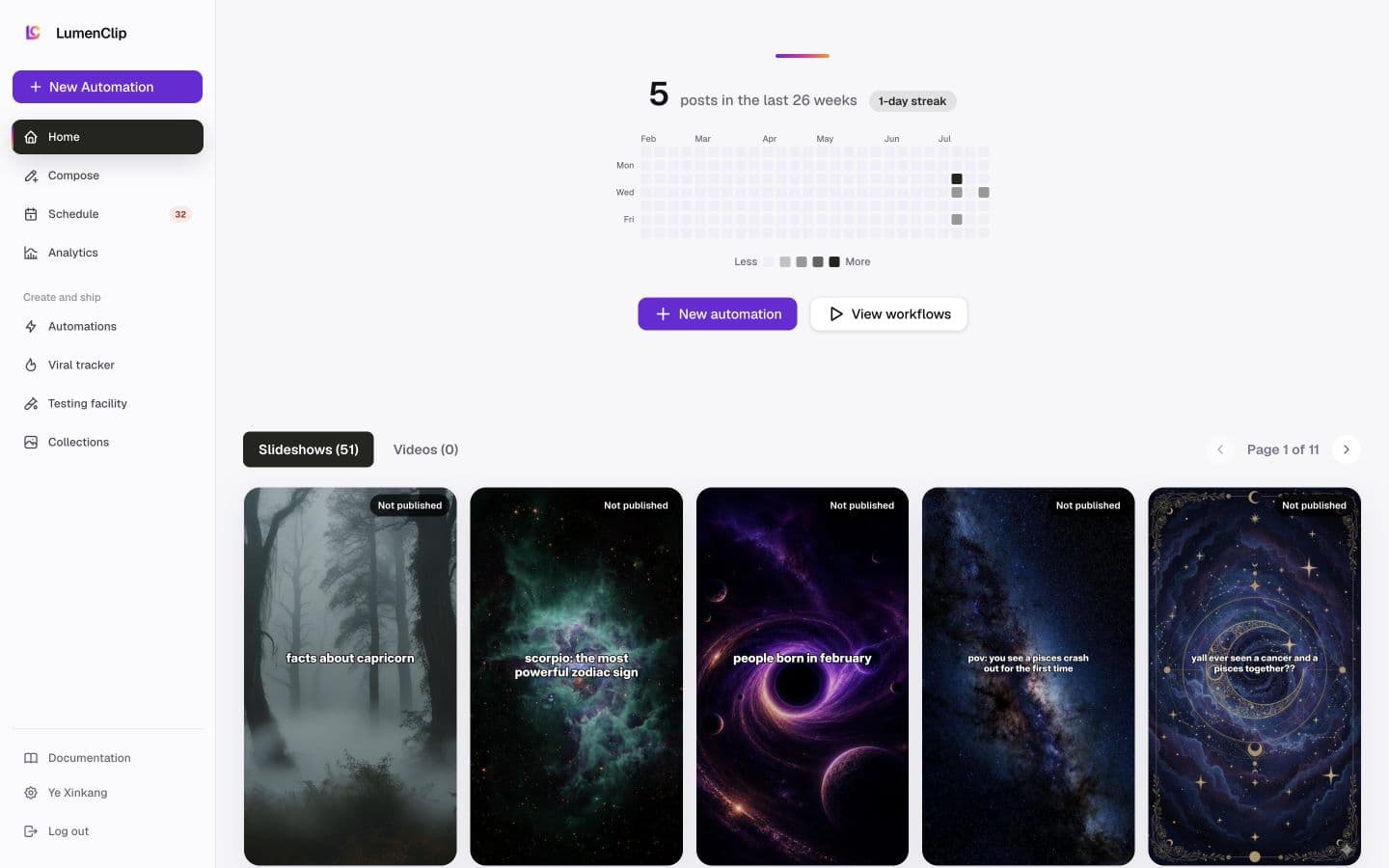
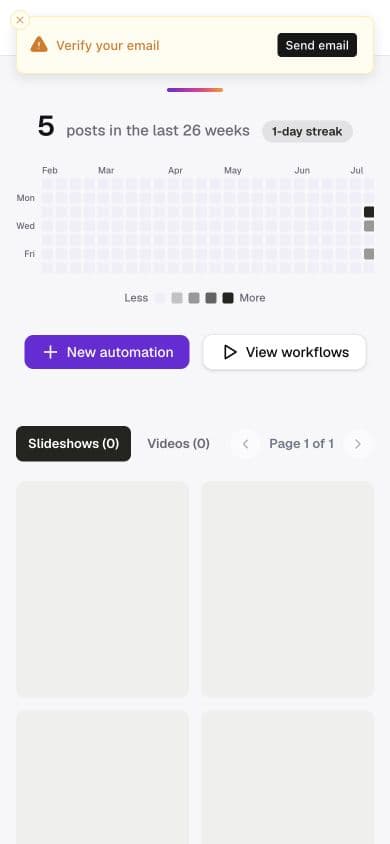
Layout
Owner: components/realfarm/navigation.tsx.
Desktop places Home, Compose, Schedule, and Analytics below the New template
action. Templates and Collections follow under the Create and ship label.
Documentation, the signed-in account settings action, and Clerk's account
button remain at the bottom of the sidebar. The Schedule row can show the combined number of
calendar items that need action or have failed, with counts above 99 displayed
as 99+.
Mobile replaces the sidebar with a fixed LumenClip header and an icon-only menu button. The menu occupies the full viewport and presents the same six workspace destinations in one vertical list. New template and Settings appear at the bottom when the containing surface supplies those actions. Separately routed post analytics, UGC, and X and Threads surfaces reuse this mobile navigation, but its destination items act as ordinary links because those pages do not own the workspace view state.
Interactions
The current destination is visually selected and exposed with
aria-current="page". A plain desktop or mobile click updates the workspace in
place; modified clicks retain normal link behavior. The LumenClip mark in the
mobile header links to /app.
Opening the mobile menu locks scrolling on the page behind it. The close button, the Escape key, or choosing a destination closes the menu and restores the prior body overflow setting.
MCP coverage
No. The registry has no tool for sidebar or mobile-menu state. Selecting a destination, highlighting the active item, and opening or closing the menu are UI navigation and are not expected to have MCP tools.